Install the extension for Chrome
Download the Chrome extension and connect in one click.
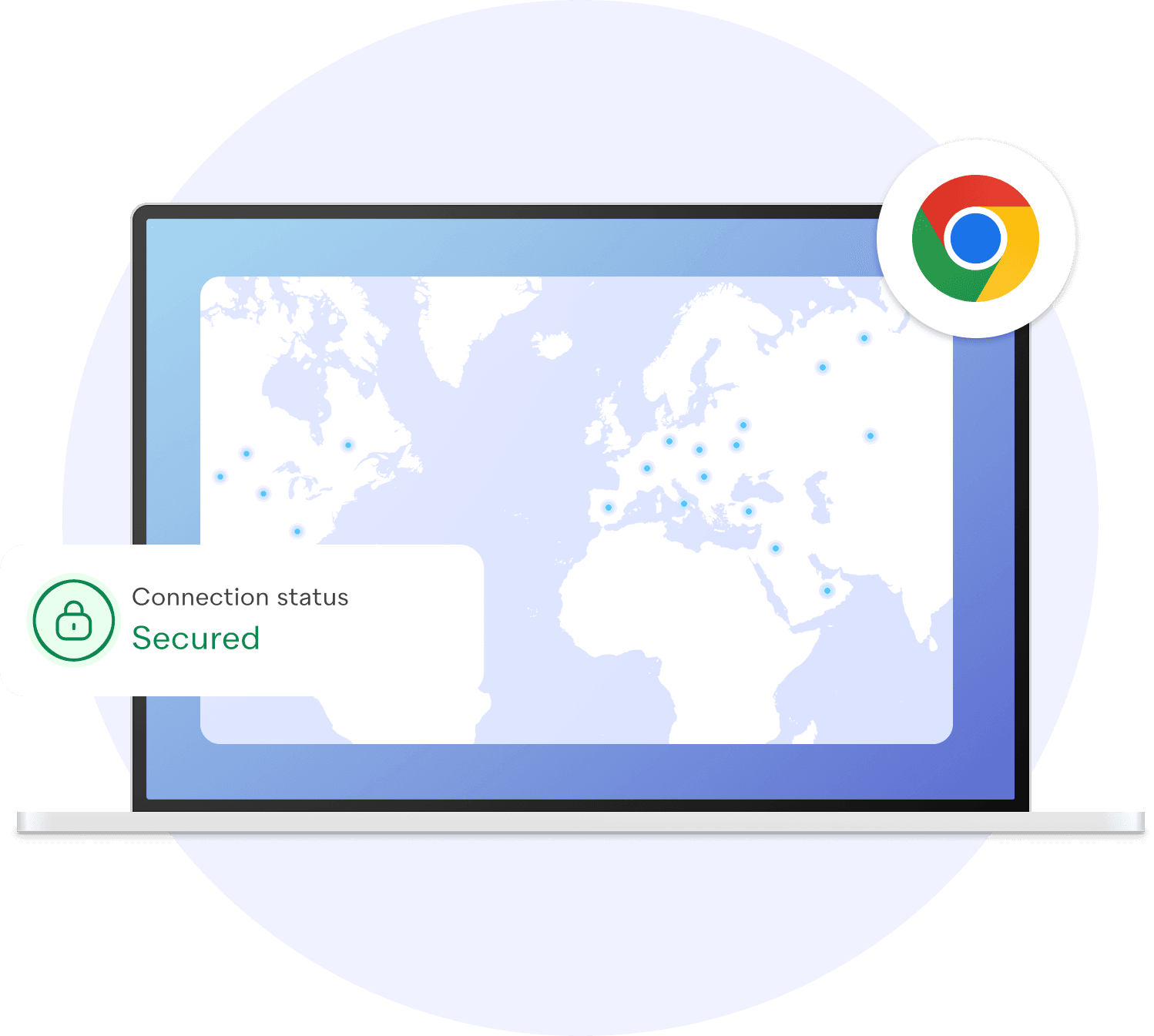








Extension setup is quick and easy
Add the extension, sign in, and connect in one click.
Download
Open the extension page and click “Add to Chrome”.
Install
Confirm installation and pin the icon if desired.
Connect
Open the extension, sign in, and tap “Connect”.
More than a VPN
Next-gen encryption, dead-simple interface. Download, tap, protected.
Undetectable protocol
VLESS + Reality — indistinguishable from regular HTTPS. DPI cannot detect or block it.
Military-grade encryption
Data encrypted before leaving your device. Passwords, messages, finances — private everywhere.
Blazing fast
10 Gbps enterprise servers. Stream, call, download — no slowdowns.
30+ countries
UK, US, Russia, Turkey, and more. Access geo-restricted content worldwide.
Zero logs
No browsing history, no timestamps, no metadata. Your activity stays yours.
All devices
Windows, macOS, Linux, Android, iOS, Chrome, Edge, Yandex. One subscription.
FAQ
Answers about installation and downloads.
Protect your connection
Free to start. Download, choose a server, experience private internet.